Local LLM Environment
The current Local LLM integration uses Ollama to analyze Pytest CT results. Unittest reports do not use the Local LLM.
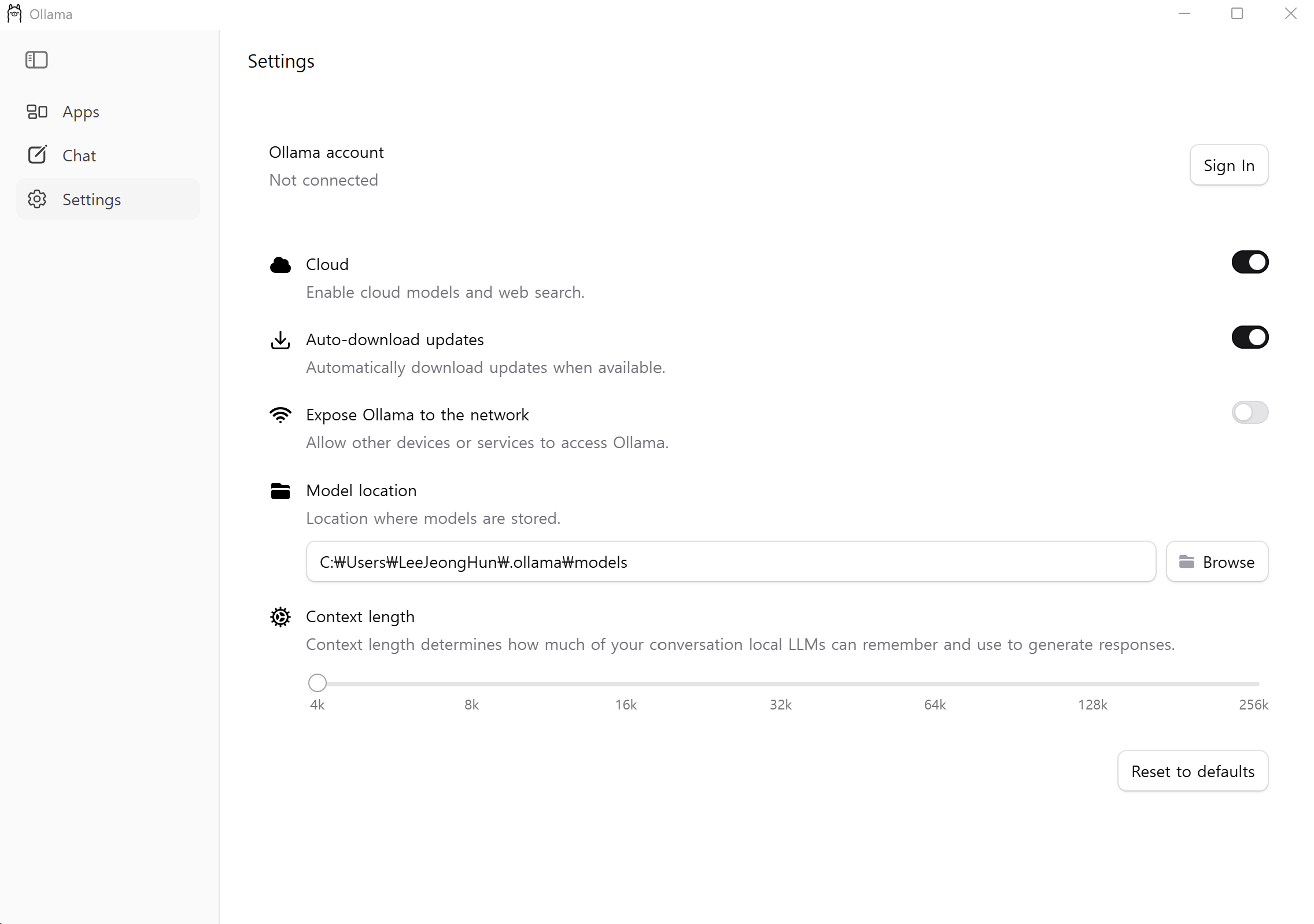
Local LLM Usage
| Item | Current value |
|---|---|
| Runtime | Ollama |
| Default endpoint | http://127.0.0.1:11434 |
| Default model | deepseek-r1:7b |
| Analysis target | Pytest CT result and logs |
| Unittest analysis | Not used |
| Configuration | test_envs/configs/config.json → ollama |
| Runtime status | test_envs/configs/check.json → ollama |
| Analysis log | test_reports/local_llm/<execution-id>_local_llm.log |
Pytest Analysis
Pytest CT result and execution log
                ↓
Normalize result and parse log evidence
                ↓
Select test prompt or default prompt
                ↓
POST /api/generate to the configured Ollama model
                ↓
Validate structured analysis response
                ↓
Write Local LLM log and Pytest Markdown report
| Prompt source | Priority |
|---|---|
Non-empty CT marker test_prompt |
1 |
ollama.default_prompt |
2 |
The analyzer sends normalized test data, extracted errors, warnings, important log lines, and an optional source diff. The model must return structured JSON containing summary, classification, confidence, warnings, failure analysis, source review, recommendations, and escalation status.
Retry and Fallback
| Condition | Behavior |
|---|---|
| Ollama response is valid | Use the Local LLM analysis |
| Request or response validation fails | Retry up to max_retry times after the initial attempt |
| All attempts fail | Generate a deterministic fallback analysis |
| Ollama is unavailable | Preserve report generation through the fallback |
With the current max_retry: 3, the analyzer can make up to four total attempts.
Configuration and Status
Ollama Configuration
Source: test_envs/configs/config.json
{
  "ollama": {
    "url": "http://127.0.0.1:11434",
    "selected_model": "deepseek-r1:7b",
    "default_prompt": "analyze the test result and provide a detailed report with recommendations for improvement.",
    "max_timeout_s": 20,
    "max_retry": 3
  }
}
| Field | Role |
|---|---|
url |
Ollama API endpoint |
selected_model |
Model used for pull and analysis |
default_prompt |
Fallback when the CT has no test_prompt |
max_timeout_s |
Timeout for each analysis request |
max_retry |
Additional attempts after the first failure |
OLLAMA_URL and OLLAMA_MODEL can override the configured endpoint and model for the current process.
Ollama Status
Source: test_envs/configs/check.json
| Field | Meaning |
|---|---|
installed |
Ollama executable was found |
executable |
Resolved executable path |
version |
Ollama version output |
available |
The configured /api/tags endpoint responded |
endpoint |
Configured Ollama URL |
selected_model |
Model selected in project configuration |
selected_model_installed |
Selected model exists in the Ollama inventory |
supported_models |
Model inventory returned by Ollama |
Refresh this generated status instead of manually editing check.json.
Runtime Inspection
Show the selected endpoint and model:
.\.venv\Scripts\python.exe -m test_envs.tools.local_llm config
Show endpoint availability and the installed model inventory:
.\.venv\Scripts\python.exe -m test_envs.tools.local_llm status
Refresh the complete project environment status:
.\.venv\Scripts\python.exe -m test_envs.tools.configuration check
VS Code Usage
| VS Code entry | Purpose |
|---|---|
SETUP 3: Install Ollama and Local LLM |
Installs or detects Ollama and pulls the selected model |
CHECK 1: Refresh Environment Check File |
Refreshes Python and Ollama status in check.json |
CHECK 3: Run Ollama Server (Foreground) |
Runs the local Ollama server in its Task terminal |
The server Task is deliberately foreground-owned. Stopping or closing that Task stops the process it owns. No hidden background-server lifecycle is managed by the repository.
See VS Code Environment for the corresponding Run and Debug and Run Tasks configuration.
Output and Logs
| Output | Location | Scope |
|---|---|---|
| Local LLM request log | test_reports/local_llm/<execution-id>_local_llm.log |
Pytest only |
| Generated Markdown | test_reports/markdown/pytest/test_cases/ |
Pytest reports processed with Local LLM analysis |
| Published MkDocs result | docs/tests/pytest/ |
Pytest result pages |
The Local LLM log records the execution ID, TEST ID, model, endpoint, timeout, retry count, effective prompt, each attempt, and fallback source when used.
Usage Rules
| Rule | Reason |
|---|---|
Create .venv before Local LLM setup |
Setup and analysis tools run with project Python |
Configure the model in config.json |
Model selection is project-owned |
| Run the local server before pulling or analyzing | /api/tags, /api/pull, and /api/generate require a reachable endpoint |
| Keep the server in the foreground Task | Process ownership and shutdown remain visible |
| Use Local LLM analysis only for Pytest | This is the currently implemented reporting path |
| Keep generated logs out of source control | Report outputs are runtime artifacts |
Troubleshooting
| Symptom | Check |
|---|---|
| Ollama executable not found | Run the setup command and verify the OS installer is available |
Ollama is not reachable |
Start the foreground server and verify ollama.url |
| Selected model is missing | Run model setup again to pull selected_model |
Status reports available: false |
Verify the server and /api/tags endpoint |
Analysis uses deterministic-fallback |
Inspect the execution-specific Local LLM log for request or validation errors |
| Requests time out | Check model size, system resources, and max_timeout_s |
Environment Installation
Requirements
| Requirement | Purpose |
|---|---|
Project .venv |
Runs the setup and Local LLM tools |
| Supported OS configuration | Selects the platform installer |
| Network access | Installs Ollama and pulls the configured model |
| Local endpoint access | Connects to Ollama through HTTP |
Windows winget |
Automatic Windows installation |
| macOS Homebrew | Automatic macOS installation |
Linux sh |
Runs the downloaded Ollama installer |
Create the Python environment first by following Python Environment.
OS Installers
| OS | Automatic installation path |
|---|---|
| Windows | winget install --id Ollama.Ollama --exact |
| macOS | brew install ollama |
| Linux | Download and run https://ollama.com/install.sh with sh |
The installer is used only when the configured endpoint is local and an Ollama executable cannot be found. A remote Ollama endpoint is never installed or started by this project.
Windows PowerShell
Start the local server in a dedicated foreground terminal:
.\.venv\Scripts\python.exe -m test_envs.test_pipeline.environment_setup serve --platform config
Keep that terminal running. In another PowerShell terminal, install or update the selected model:
.\.venv\Scripts\python.exe -m test_envs.test_pipeline.environment_setup ollama --platform config
Refresh the environment status:
.\.venv\Scripts\python.exe -m test_envs.tools.configuration check
Linux and macOS
./.venv/bin/python -m test_envs.test_pipeline.environment_setup serve --platform config
In another terminal:
./.venv/bin/python -m test_envs.test_pipeline.environment_setup ollama --platform config
./.venv/bin/python -m test_envs.tools.configuration check
Installation Flow
Resolve config.json OS and Ollama settings
                ↓
Verify configured OS matches the host OS
                ↓
Locate Ollama executable
                ↓
Install Ollama when the endpoint is local and executable is missing
                ↓
Run the Ollama server in the foreground
                ↓
Read /api/tags model inventory
                ↓
Pull the configured selected_model through /api/pull
                ↓
Refresh check.json
Full Local LLM Structure
test_envs/
├── configs/
│   ├── config.json                 # Endpoint, model, prompt, timeout, and retry
│   └── check.json                  # Executable, server, and model inventory status
├── test_pipeline/
│   └── environment_setup.py        # Install Ollama, run server, and pull model
└── tools/
    ├── local_llm/
    │   ├── __init__.py             # Runtime status and LocalLLMAnalyzer
    │   └── __main__.py             # config and status CLI
    ├── log_parser/                 # Extracts errors, warnings, and important logs
    ├── result_normalizer/          # Provides normalized ResultRecord input
    └── test_result/                # Connects results, analysis, and reporting

test_reports/
├── local_llm/                      # Per-execution Local LLM logs
└── markdown/pytest/test_cases/     # Generated Pytest Markdown

docs/
└── tests/pytest/                    # Published Pytest result pages